93 Compliance help For auditors
Give an auditor access
Set the audit period, invite your auditor read-only, and download the package.
For: OwnerFor: Administrator
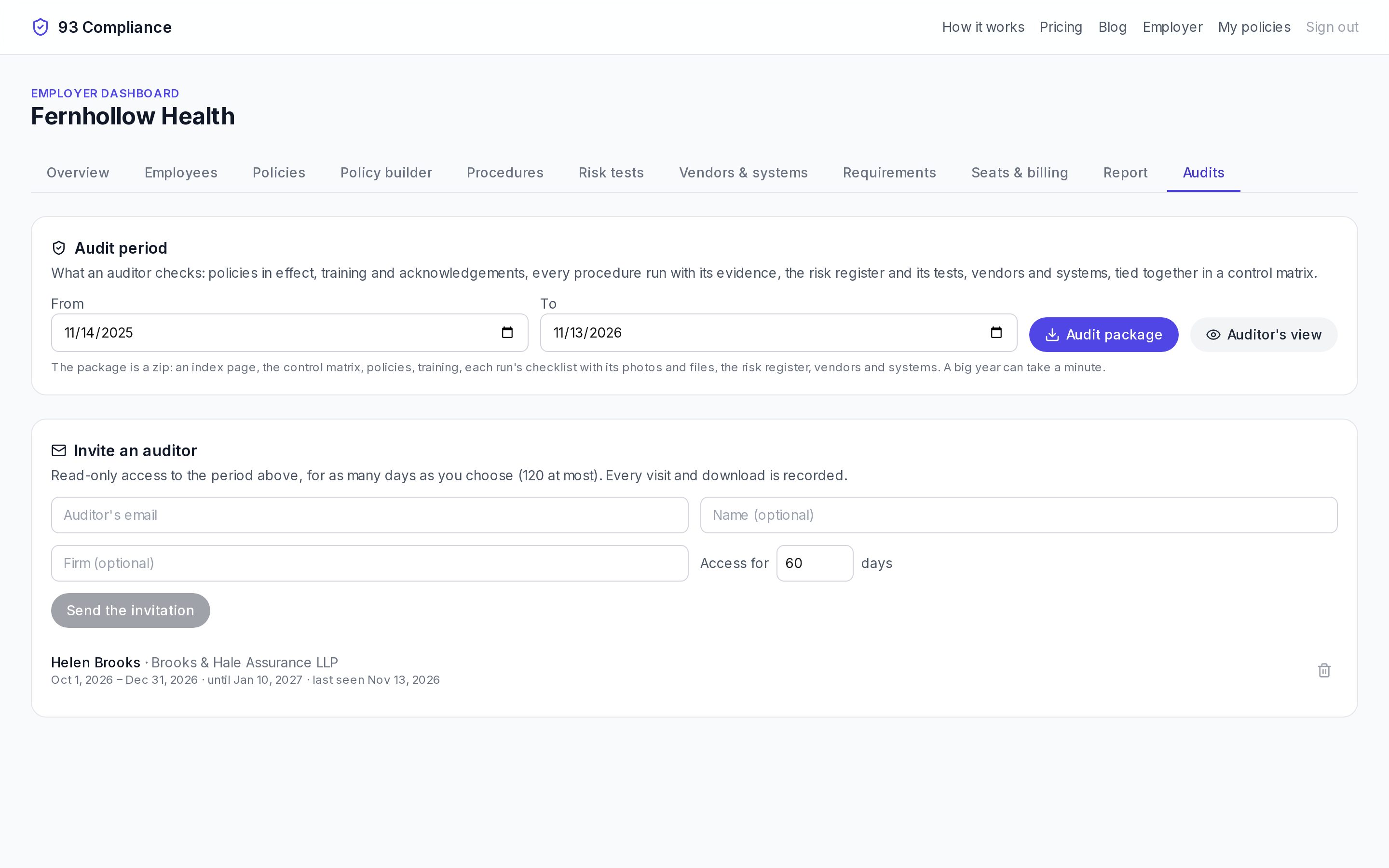
- 1The audit period: what the auditor checks
- 2Audit package: one zip with everything for the period
- 3See exactly what your auditor sees
- 4Invite an auditor: read-only, for up to 120 days, every visit recorded
Screens show Fernhollow Health, a made-up company we use for demos.
- 1Set the Audit period: the dates the audit covers.
- 2Under Invite an auditor, add their email, name and firm, and for how many days they may look (120 at most).
- 3They accept the invitation and choose Open the audit.
Access is read-only. Every visit and download is recorded and shown under the auditor’s name. End it early with the bin icon.