93 Compliance help Connect your tools
Approve an AI agent with a code
For Claude Code on a server or in a container: the agent shows a code, you approve it under AI agents.
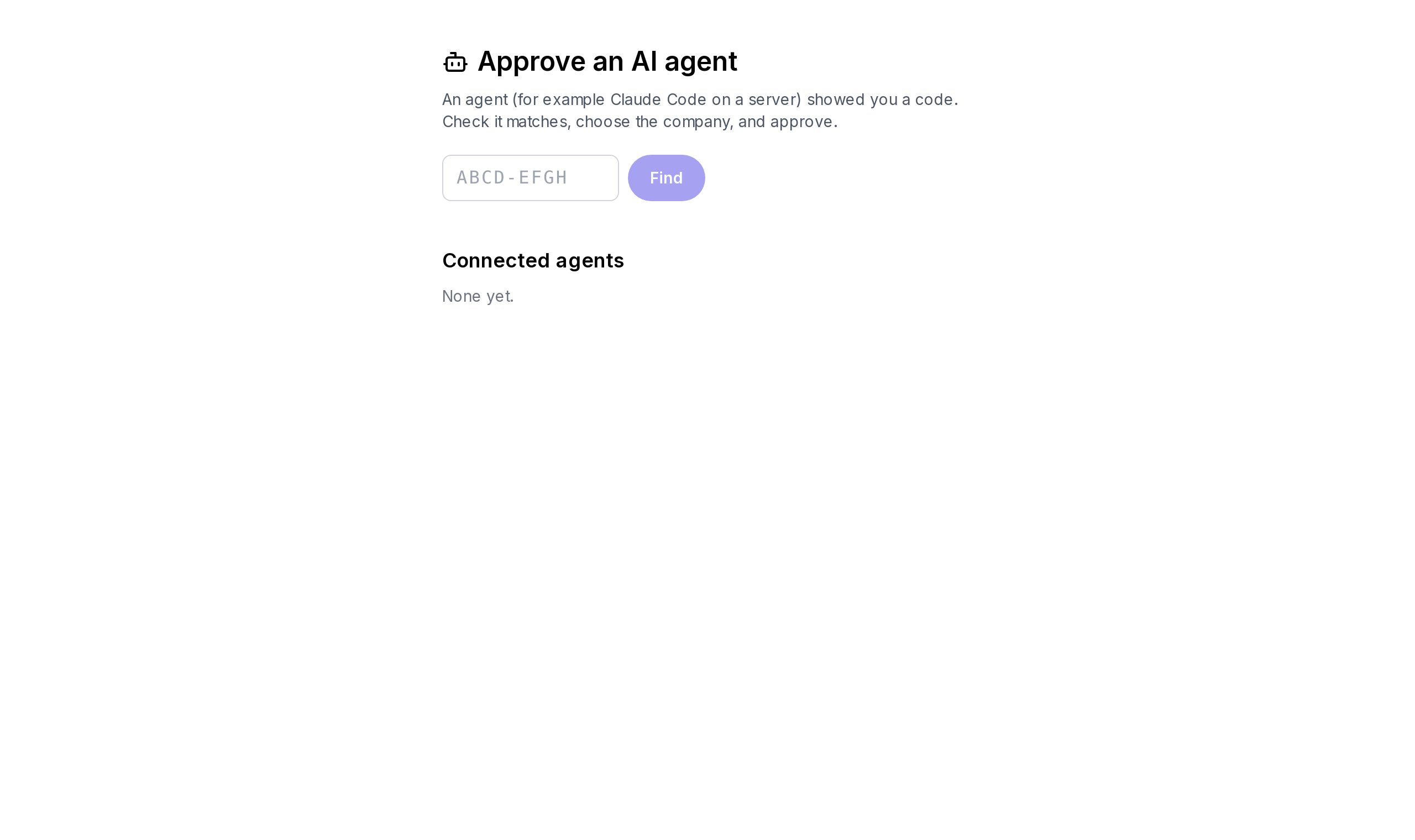
An agent running somewhere without a browser, such as Claude Code on a build server, can’t open a sign-in page. It shows you a short code instead, and you approve it from your own browser.
- 1The agent shows a code like
ABCD-EFGH. It’s valid for an hour. - 2Open AI agents in the site header (93problems.com/oauth/device). Type the code and choose Find, or pick it under Waiting for you.
- 3Check the code matches exactly, choose the Company, and choose Approve. Decline gives it nothing.
The agent gets a key for that one company for 90 days, then has to be approved again. It can do the same as the Claude connector: read, suggest, set up, and check off steps after you agree.
Disconnect
Connected agents on the same page lists every agent and Claude connection you approved, with when it was last used. Disconnect stops it at once.
Only approve a code from an agent you started yourself. Anyone in the company can approve an agent, and it acts as them.
Related
Work in 93 Compliance from Claude
Add the 93 Compliance connector to Claude and ask about your policies, check off steps, or set up a whole company.
Connected services: let another system read your program
An outside service, such as a git forge, reads your published policies and procedures after an administrator approves it.