Service levels: hold your sites to what your policies promise
Find the uptime and response promises in your own policies, approve them, and see whether each one is met.
A service level is a promise you can measure: “99.9% available over 30 days”, “answers in under 800 ms”, “restored within 4 hours”. 93 Compliance measures each one against the monitors and shows Met, At risk or Missed.
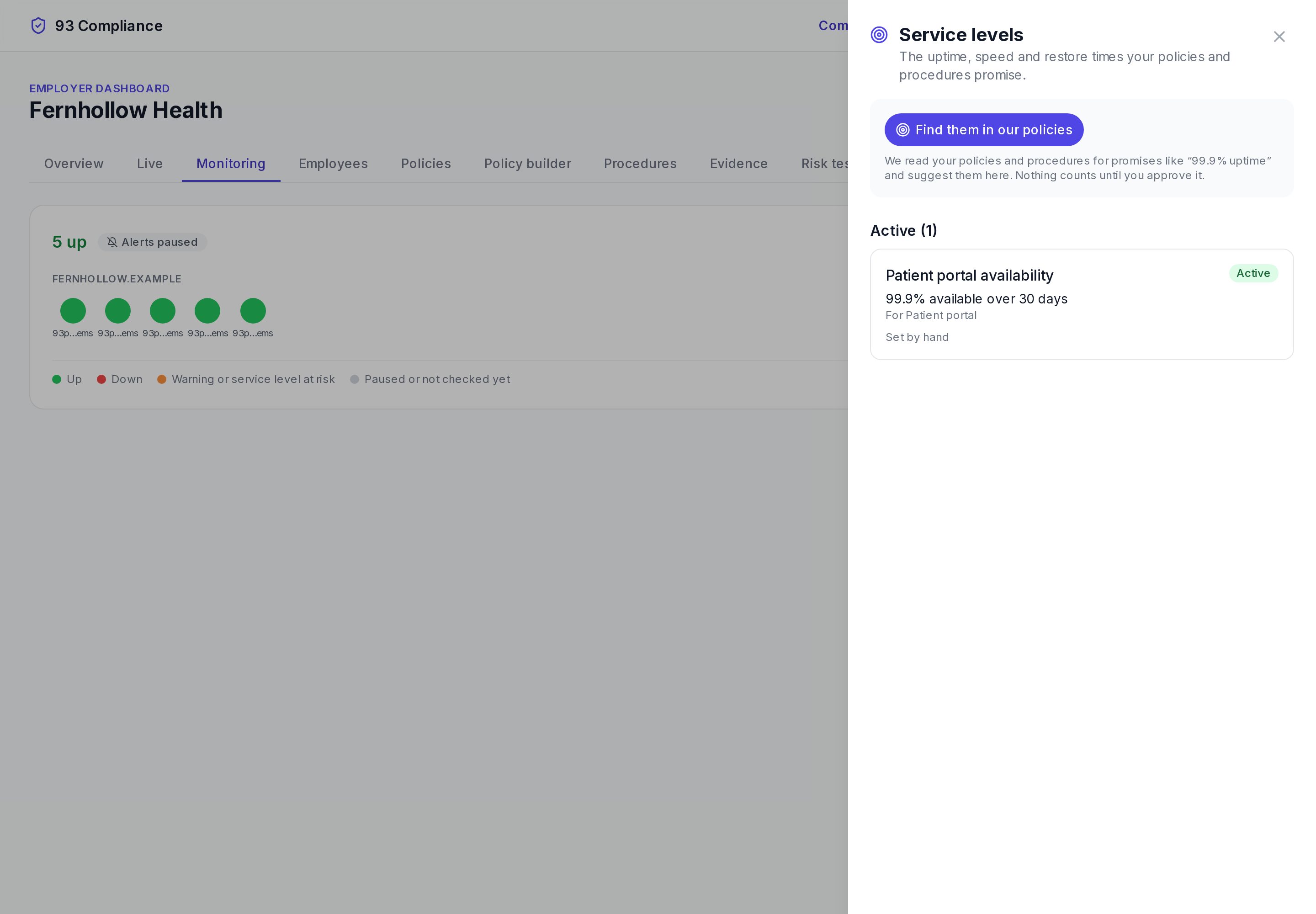
Fernhollow’s patient portal target: 99.9% over 30 days, set by hand.
Find them in your policies
- 1On Monitoring, open Service levels.
- 2Choose Find them in our policies. The assistant reads your policies and procedures and keeps only promises it can quote word for word.
- 3Each suggestion shows the policy and the quoted clause. Approve the ones you mean; Reject the others. Nothing counts until you approve it.
The quote ties the number to the document. When an auditor asks “where does 99.9% come from?”, the answer is on the card.
Or set one by hand
On a monitor, choose Set a target: Availability % over a number of days, Response under (ms), and Restore within (min). It shows as Set by hand.
For availability: less than a quarter of the allowed downtime is left in the window. For response time: the 24-hour average is above 80% of the target. A missed or at-risk service level turns the monitor’s dot amber.